Brawl Stars accounts are tied to a Supercell ID, which logs in with a code sent to an email address instead of a password. A full access account comes with that email, so you can log in and then move the Supercell ID to your own address.
Before you start
Log in to the email account from your order and keep it open in a browser tab. The login code will arrive there.
If this phone already has Brawl Stars progress that is not saved to a Supercell ID, save it to one first. Otherwise you could lose it when you switch accounts.
Logging in
- Open Brawl Stars and go to Settings.
- Tap Supercell ID and choose to log in.
- Enter the email address from your order.
- Supercell sends a code to that inbox. Type it in and the account loads.
Make it yours
In the Supercell ID settings, change the email to your own. Supercell sends a confirmation code to the old inbox, which you still have open. After that, only your own email can log in.
The code does not arrive
Check the spam folder and wait a minute before asking for a new code. If it still does not come, open a ticket on our Discord within the coverage period on your listing.
Which accounts this applies to
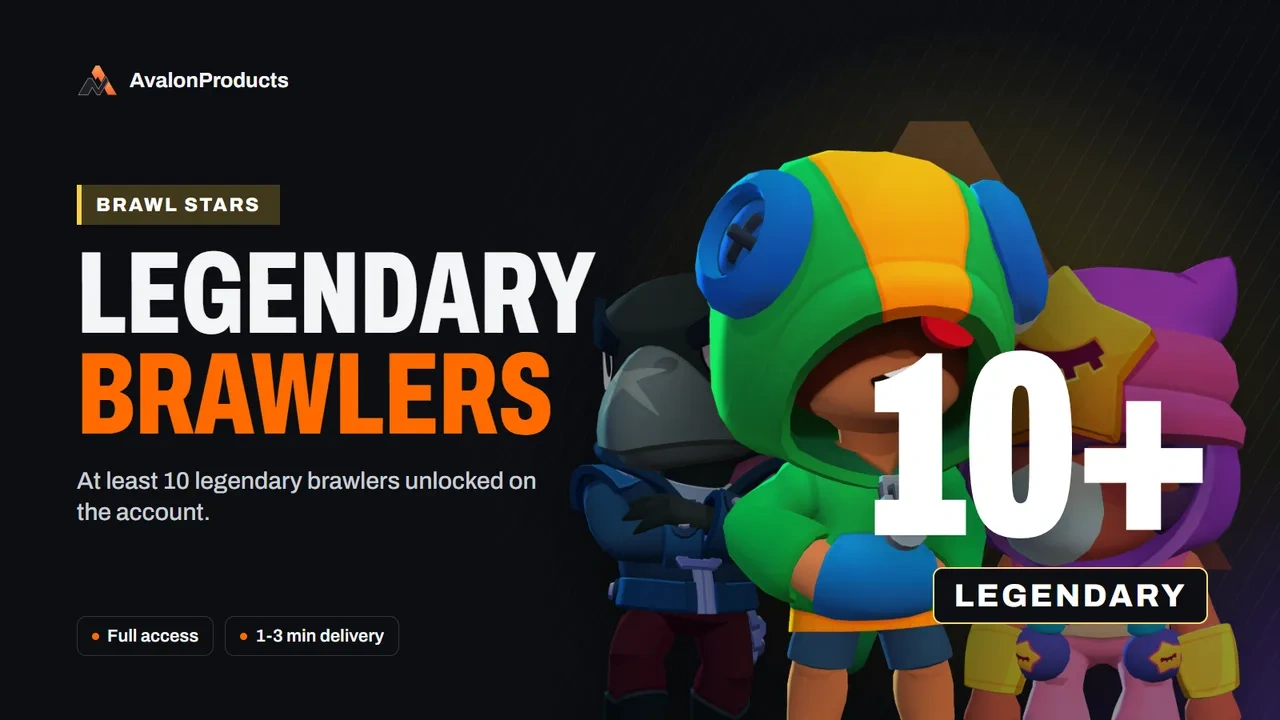
Every Brawl Stars account we sell, from the 10,000+ trophy account to the legendary brawler accounts, logs in this way.
FAQ
Why is there no password?
Supercell ID does not use passwords. Access depends on the email, which is why full access matters. See what full access means.
What if I change phones later?
Log in with Supercell ID on the new phone, using your own email once you have moved the account to it.