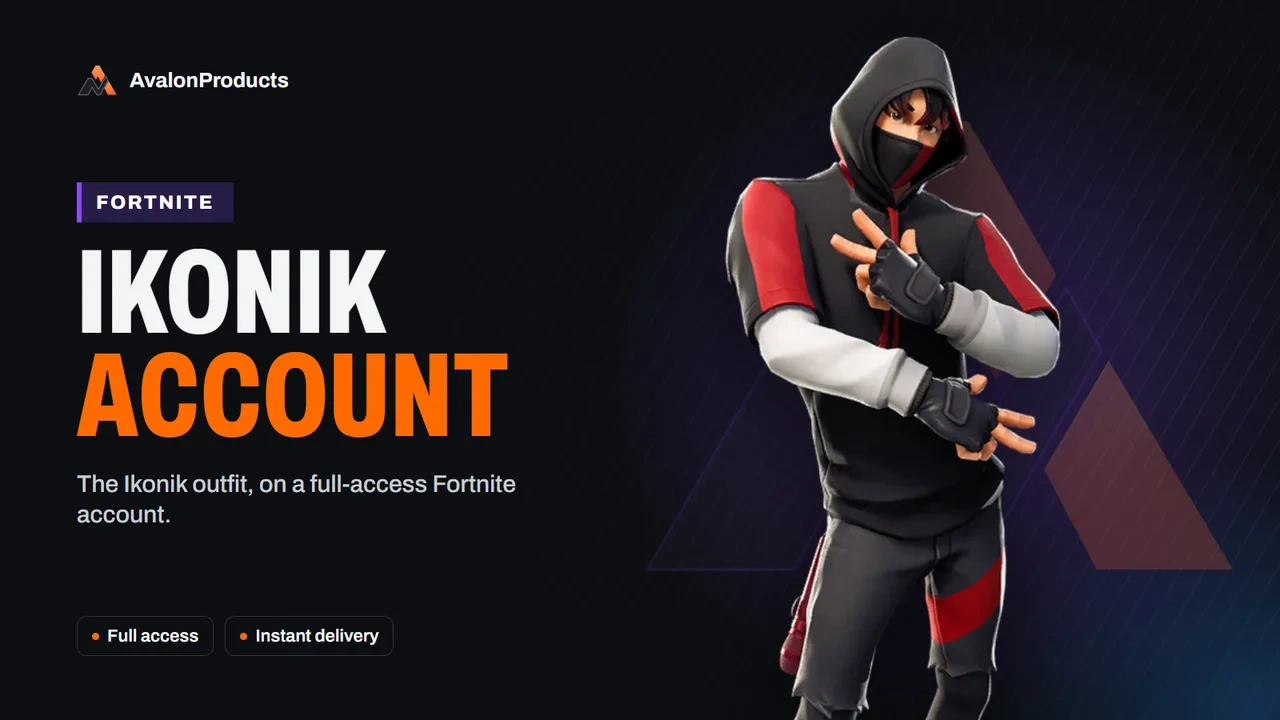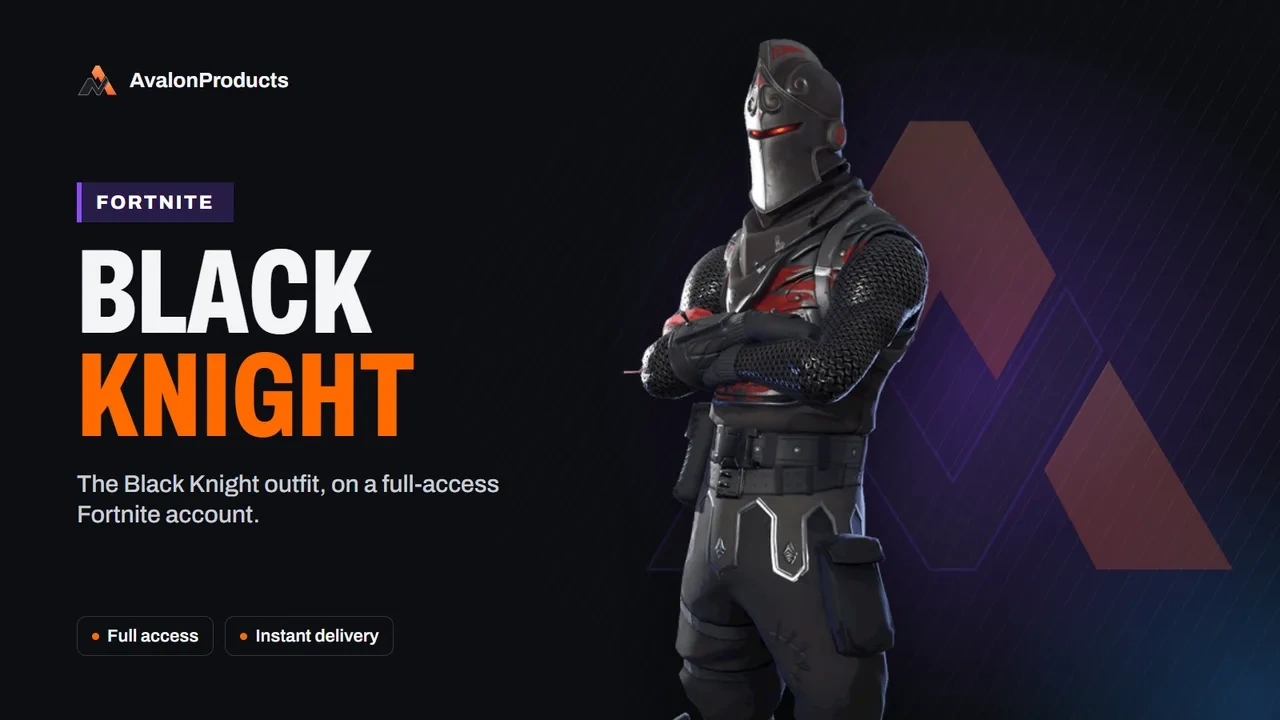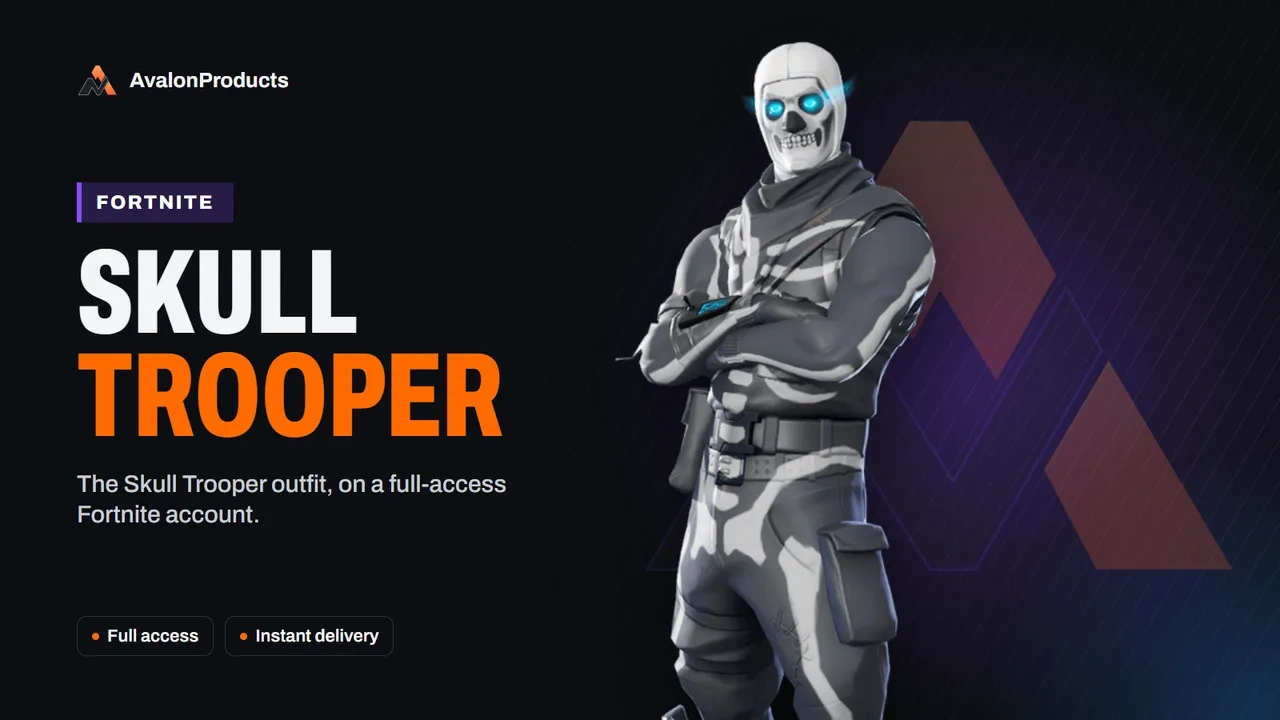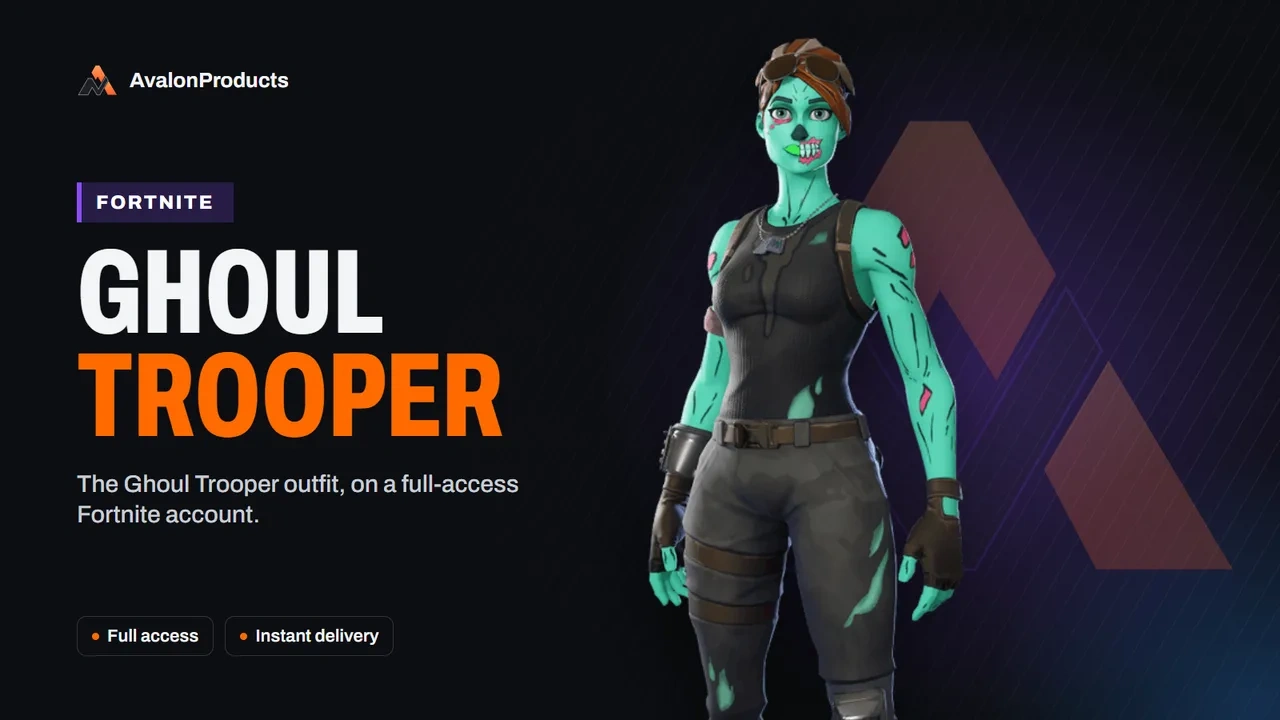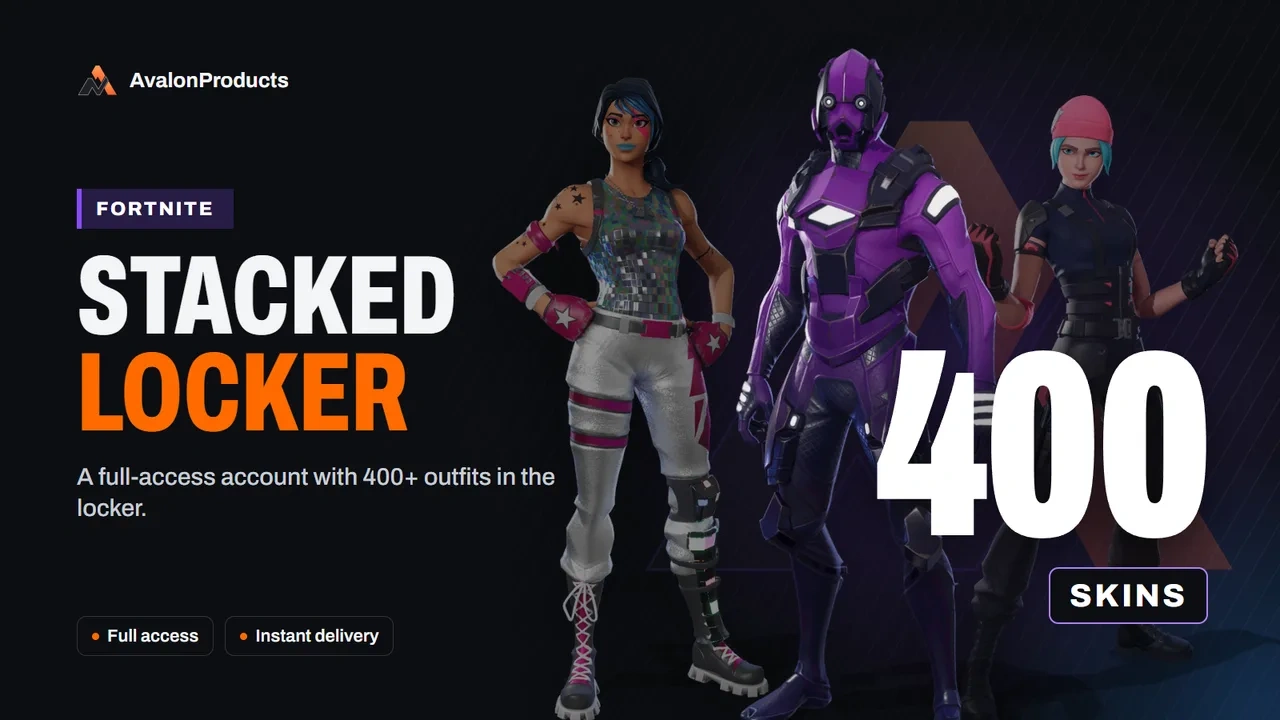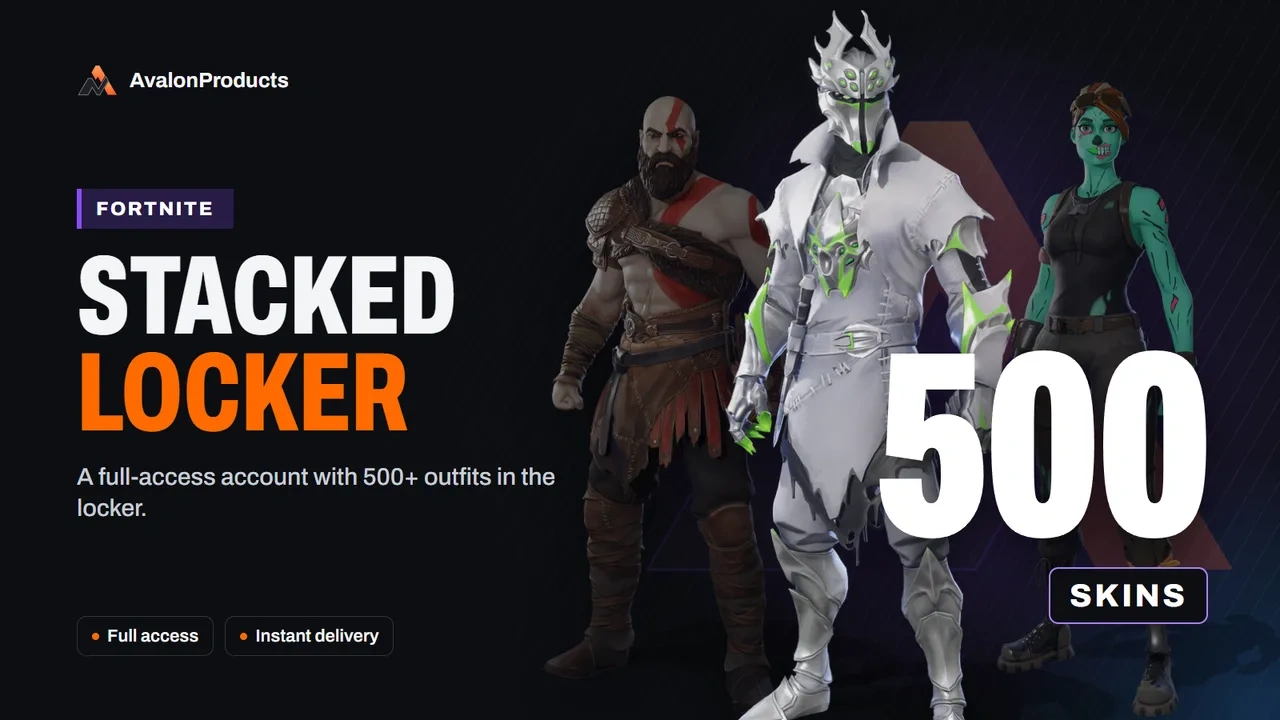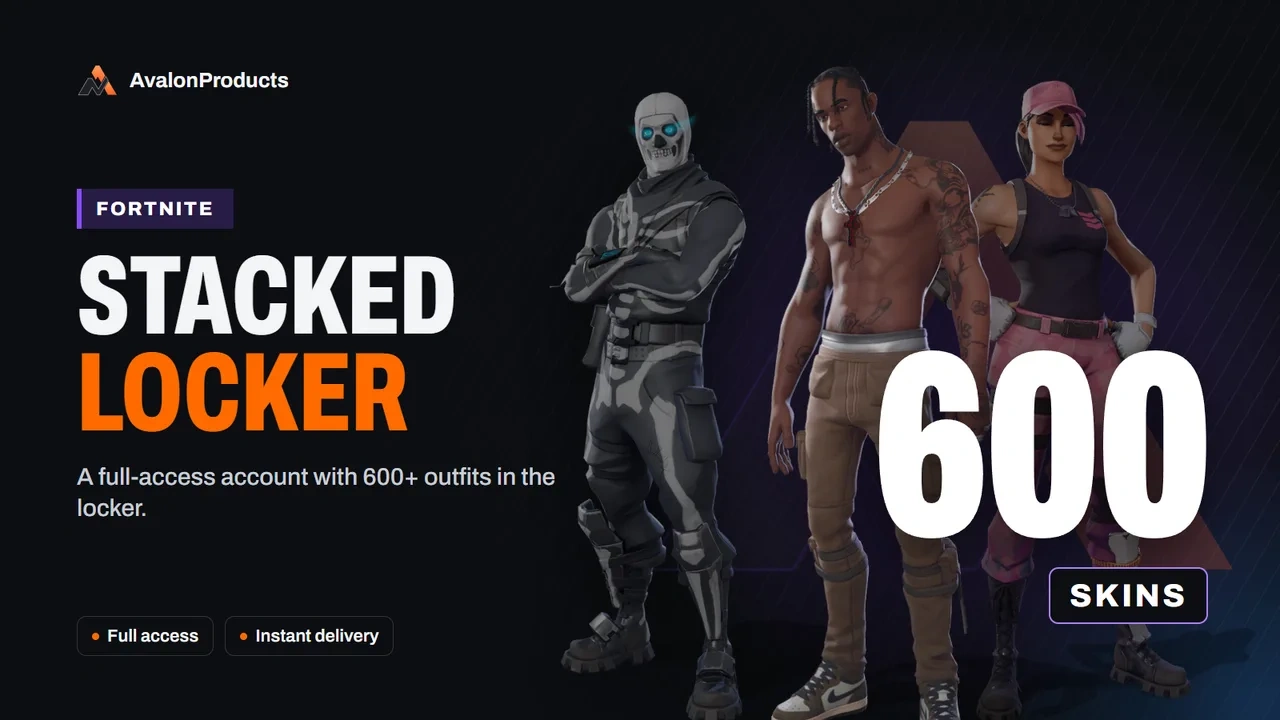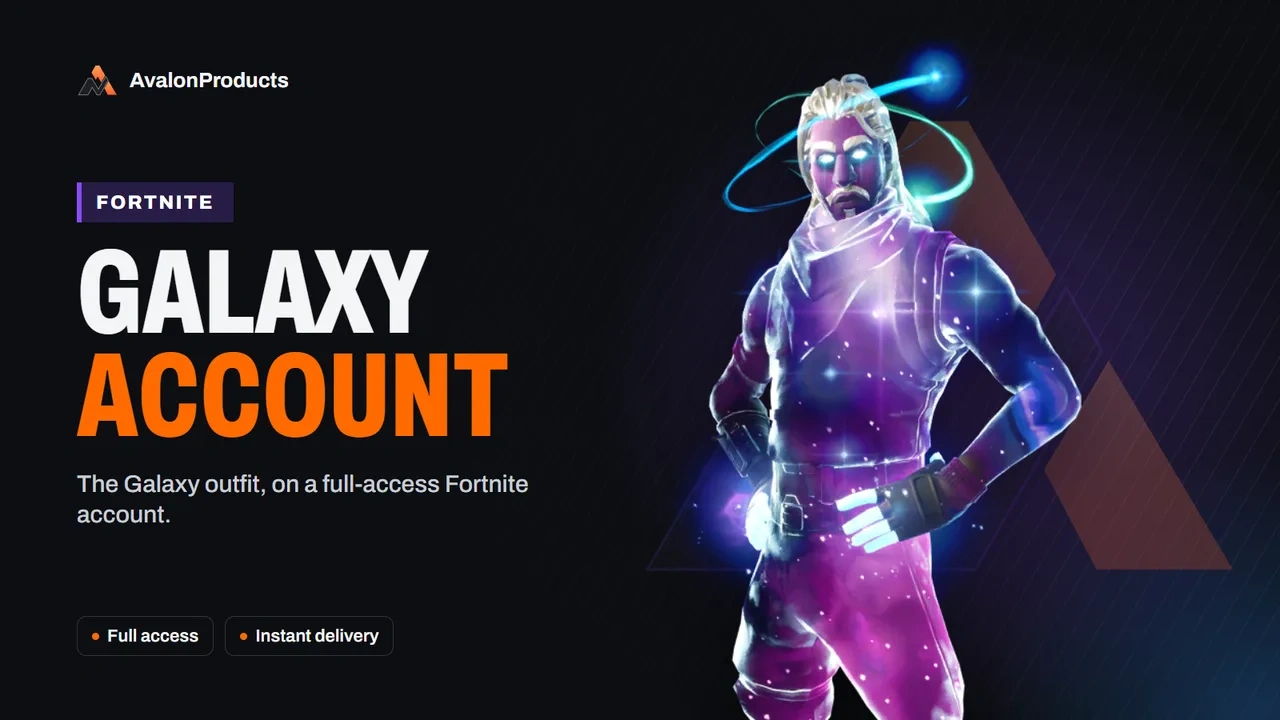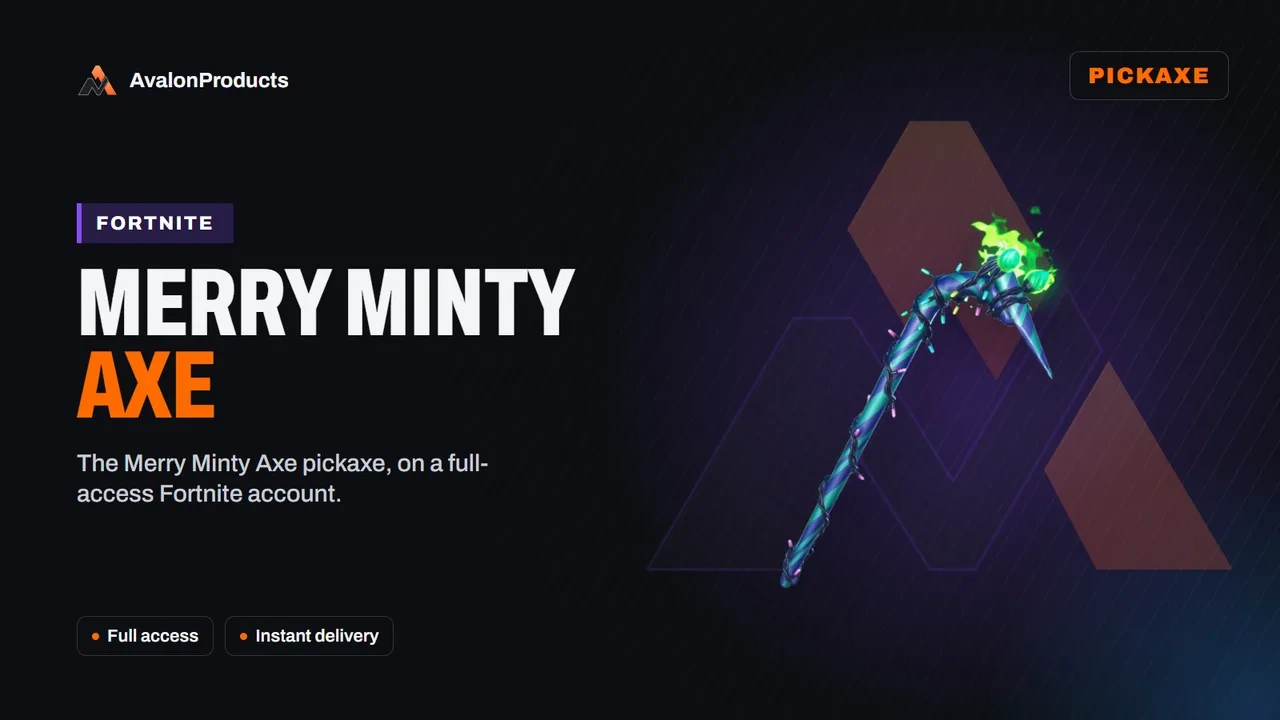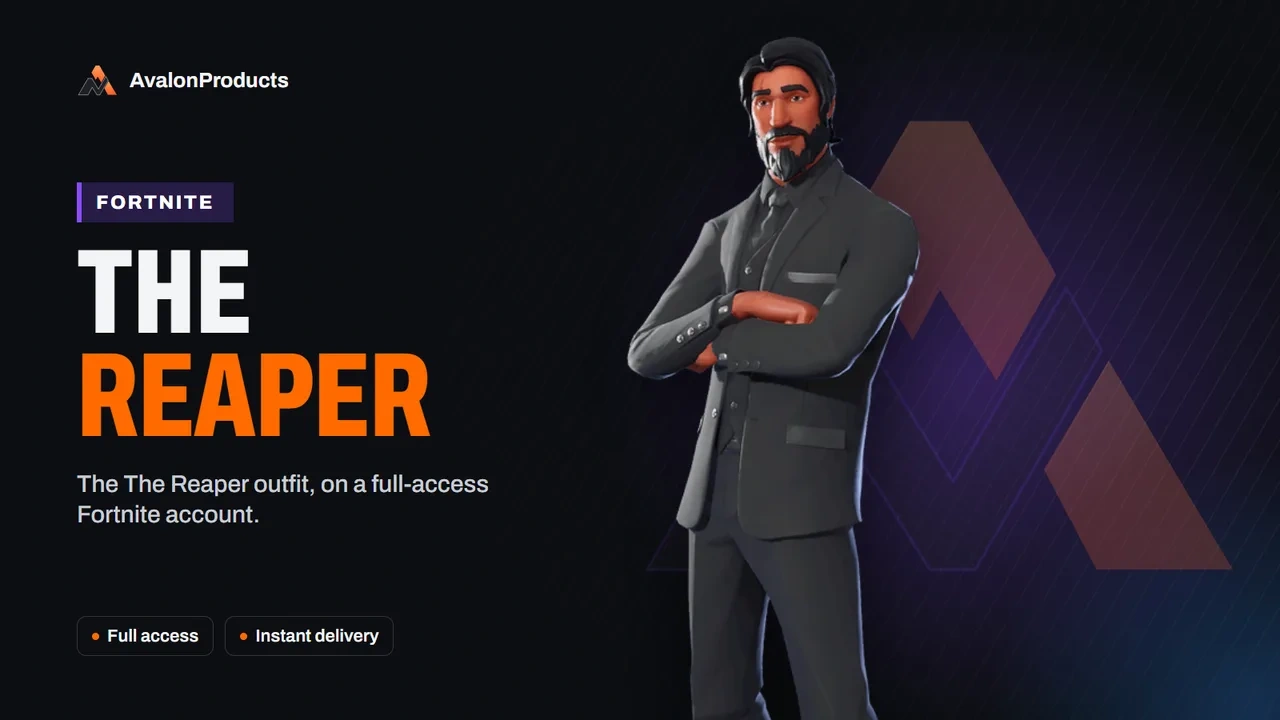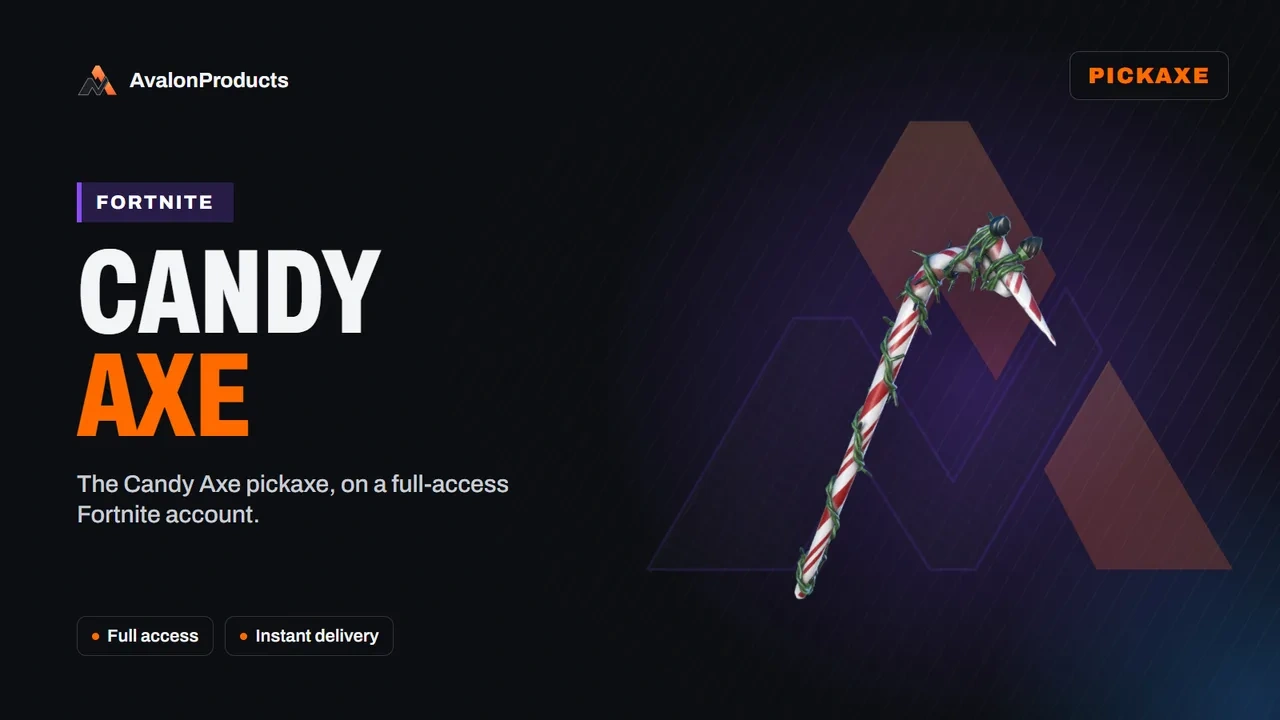
To buy a Fortnite account safely, pick a full access (FA) account, check the skin list before paying, and secure the email and Epic login within the first hour. Most problems people run into come from skipping one of those three steps, not from bad luck.
1. Only buy full access
Full access means you get the Epic account and the email behind it. Without the email, the previous owner can reset the password whenever they like. We explain the difference in FA vs NFA accounts.
2. Check what's actually on the account
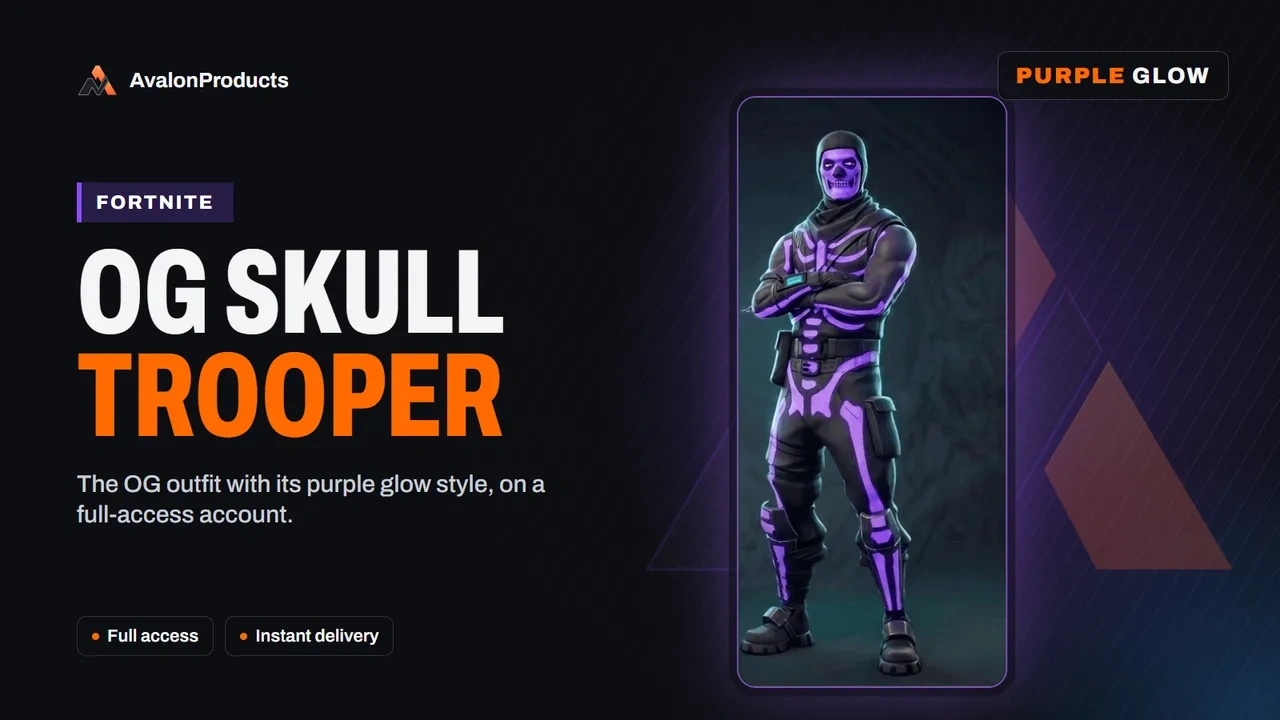
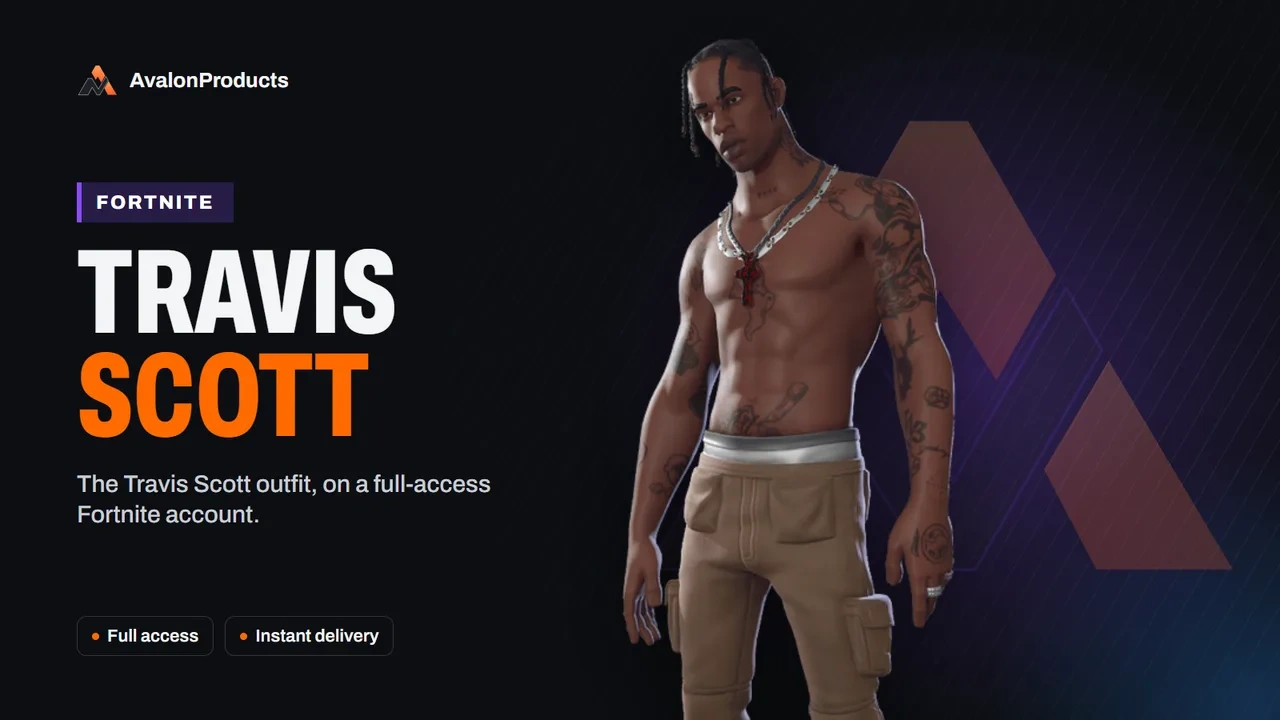
- OG accounts are built around one rare item, like the OG Skull Trooper or Travis Scott. Make sure that item is named on the listing.
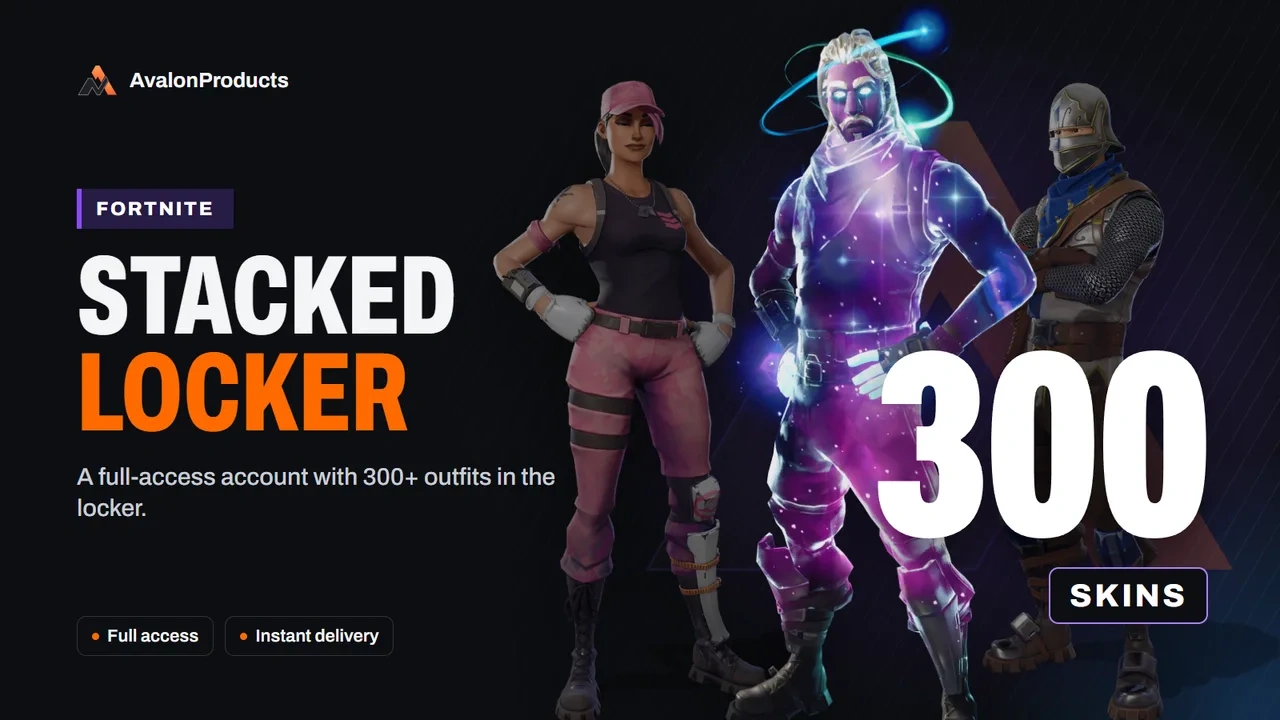
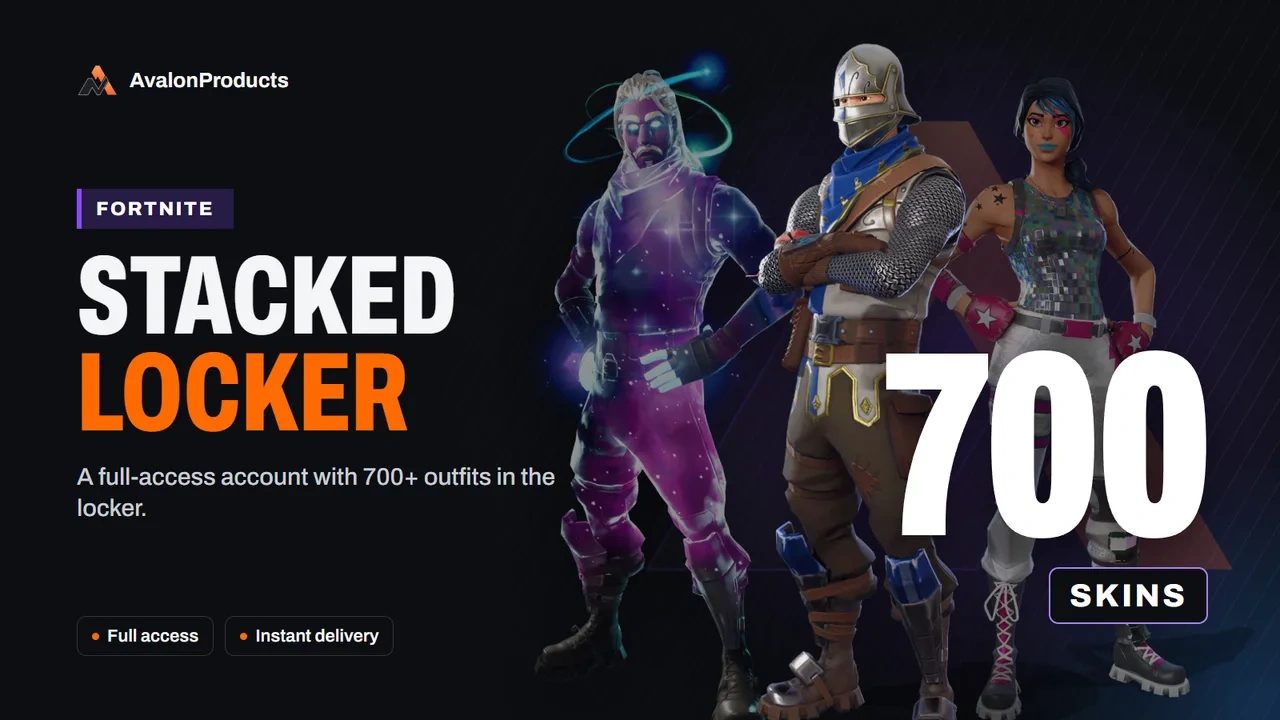
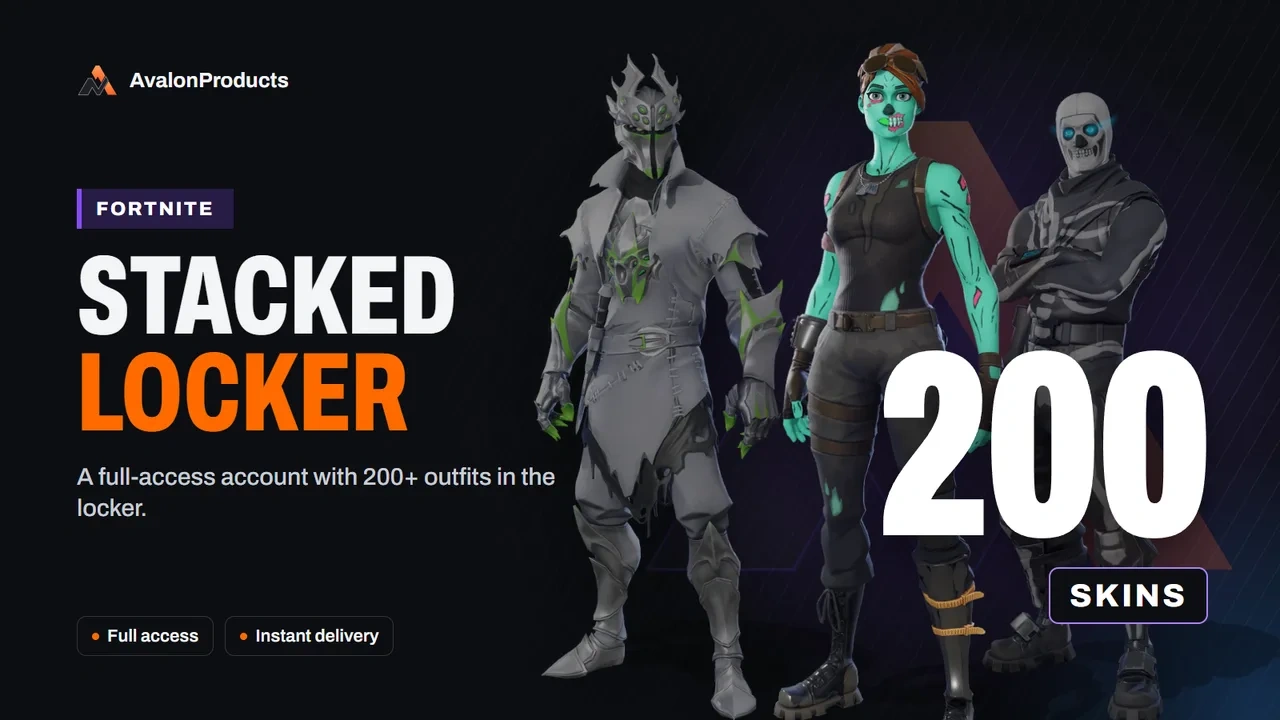
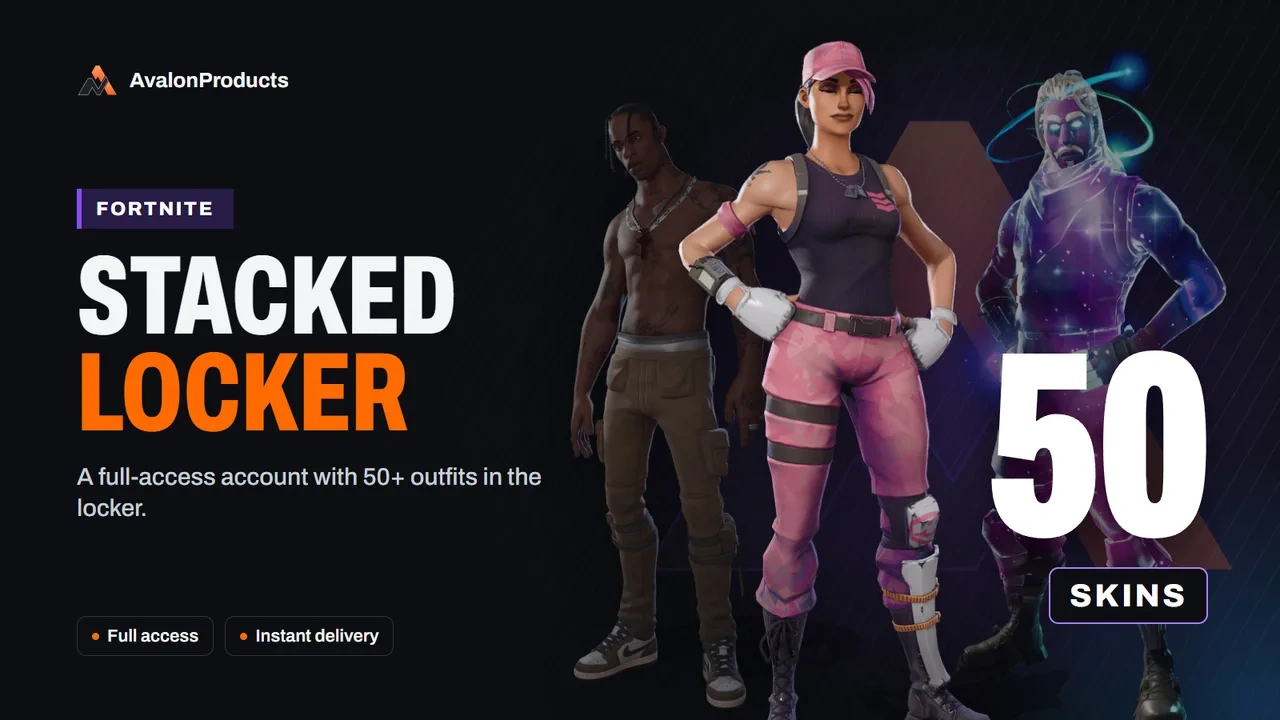
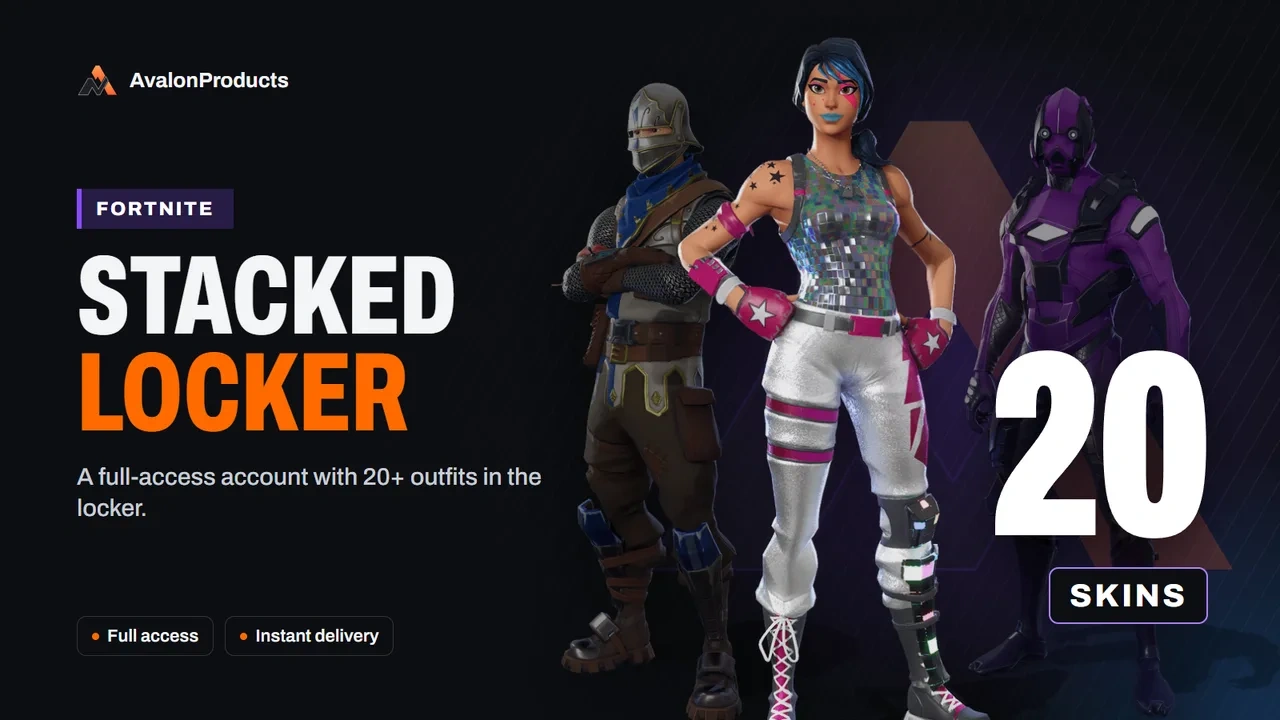
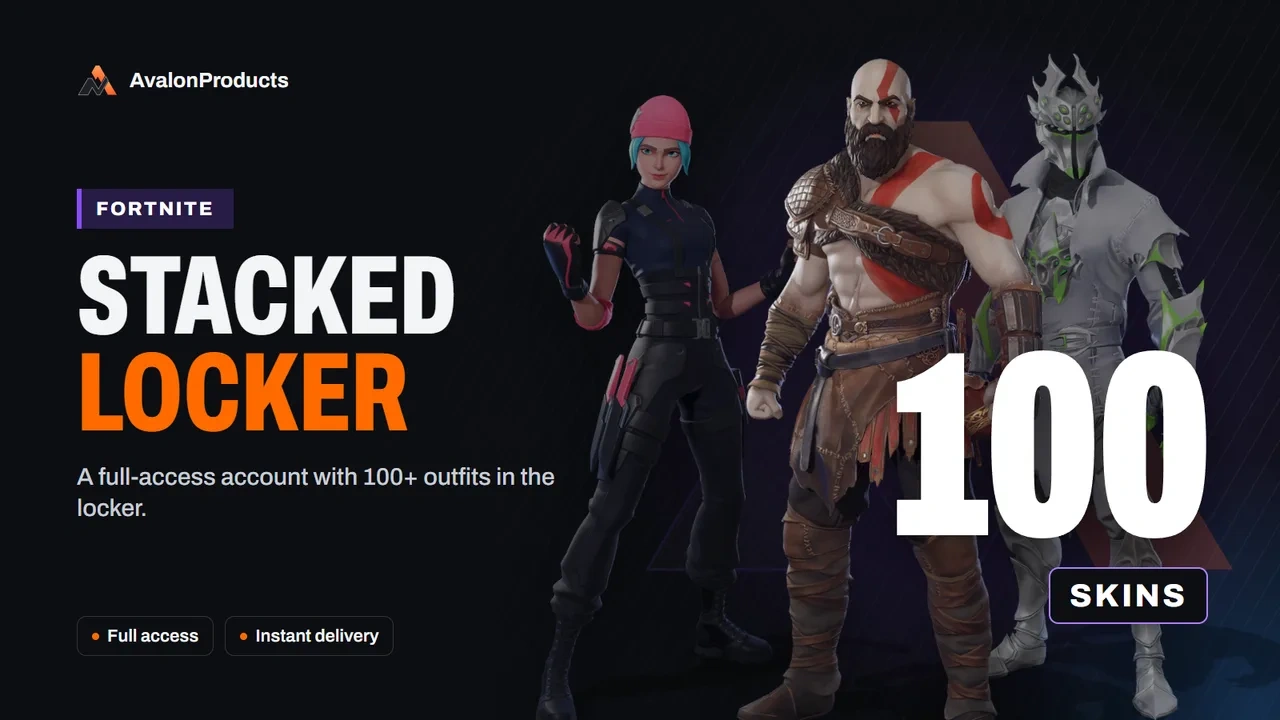
- Stacked accounts are sold by size, like the 300 Skin account. You get lots of variety rather than one specific skin.
Not sure what an account is worth? See how to estimate a Fortnite account's value.
3. Secure it the moment you get it
- Log into the email and change its password.
- Turn on 2-step login for the email.
- Change the Epic password at epicgames.com.
- Turn on Epic 2FA.
- Sign out of all other sessions.
- Check connected consoles and link your own. Our console linking guide walks through it.
Red flags when buying
- The seller won't say whether the email is included.
- You only get a screenshot, not a skin list.
- They ask you to pay first and "wait a few days" for delivery.
- The price is far below every other listing for the same skin.
Know the rules
Epic's terms don't allow buying, selling or sharing accounts. Many players do it anyway, but you should know that before you buy, and keep the account secured afterwards.
FAQ
How fast is delivery at AvalonProducts?
The details are sent by email within minutes of payment.
What if something doesn't work?
Open a ticket on our Discord before you change anything, and keep your order email.
OG account or stacked account?
OG if you want one specific rare skin, stacked if you want a big locker. More on that in More skins or rarer skins?