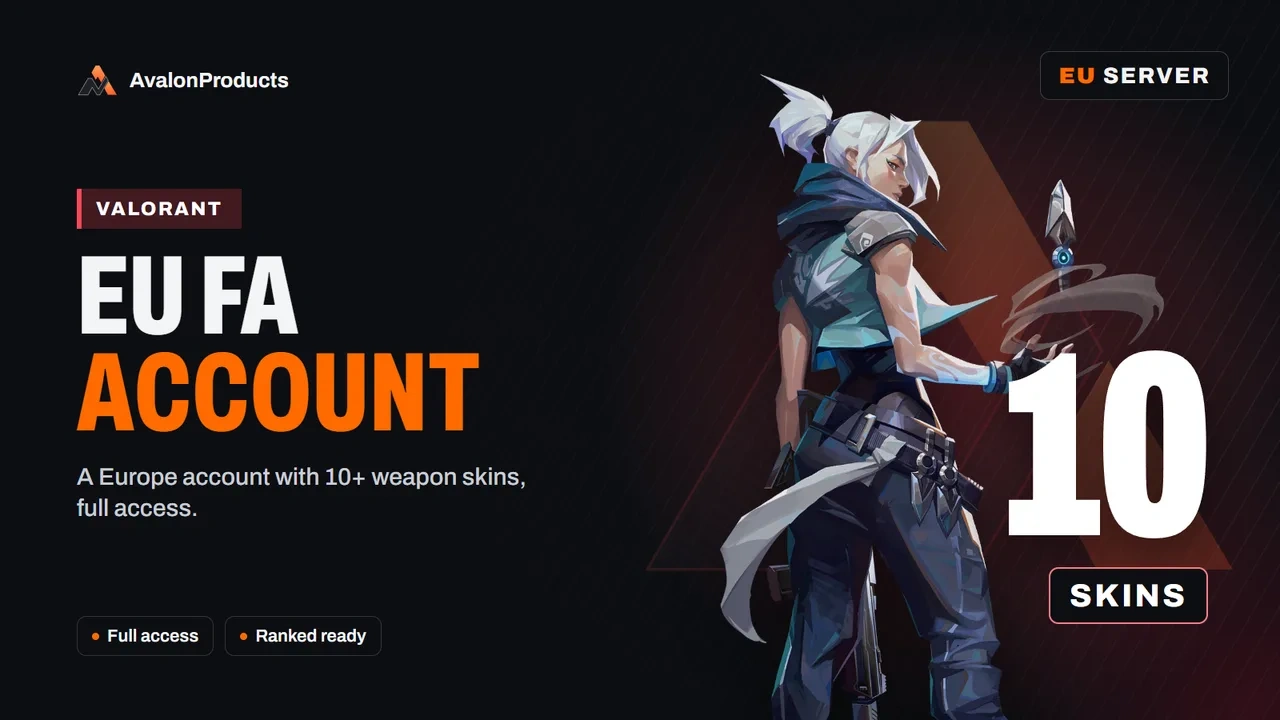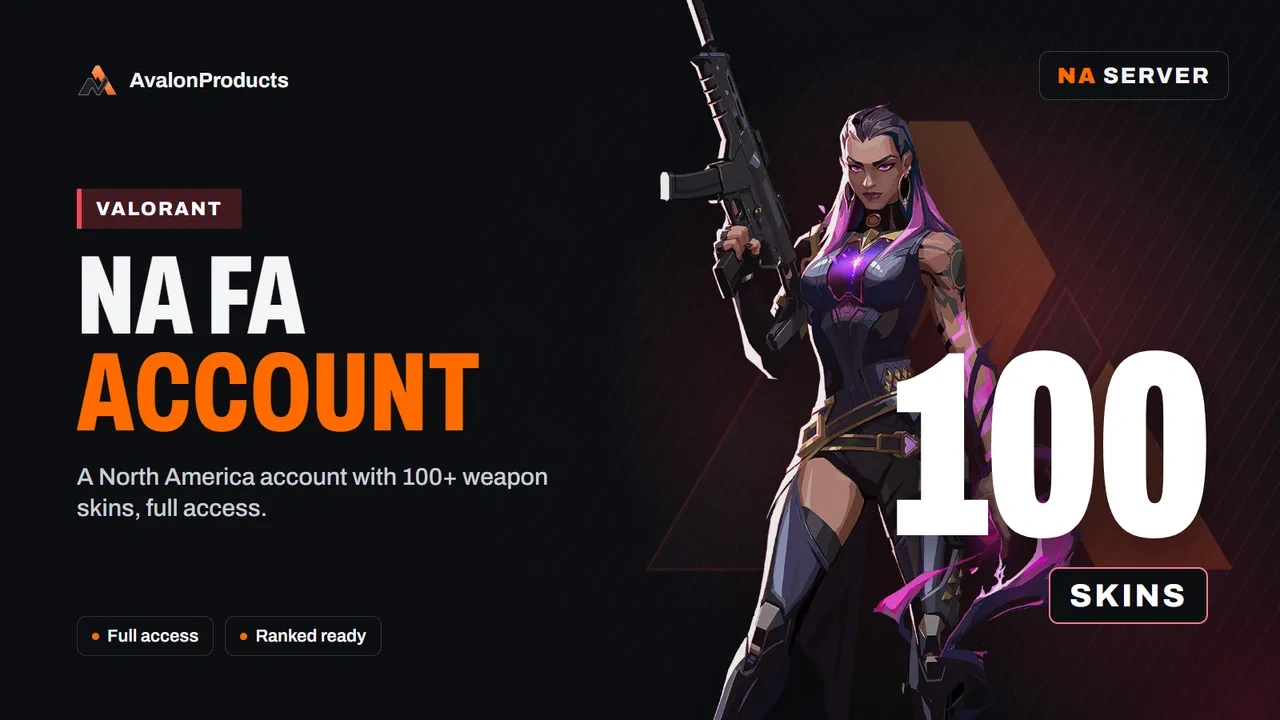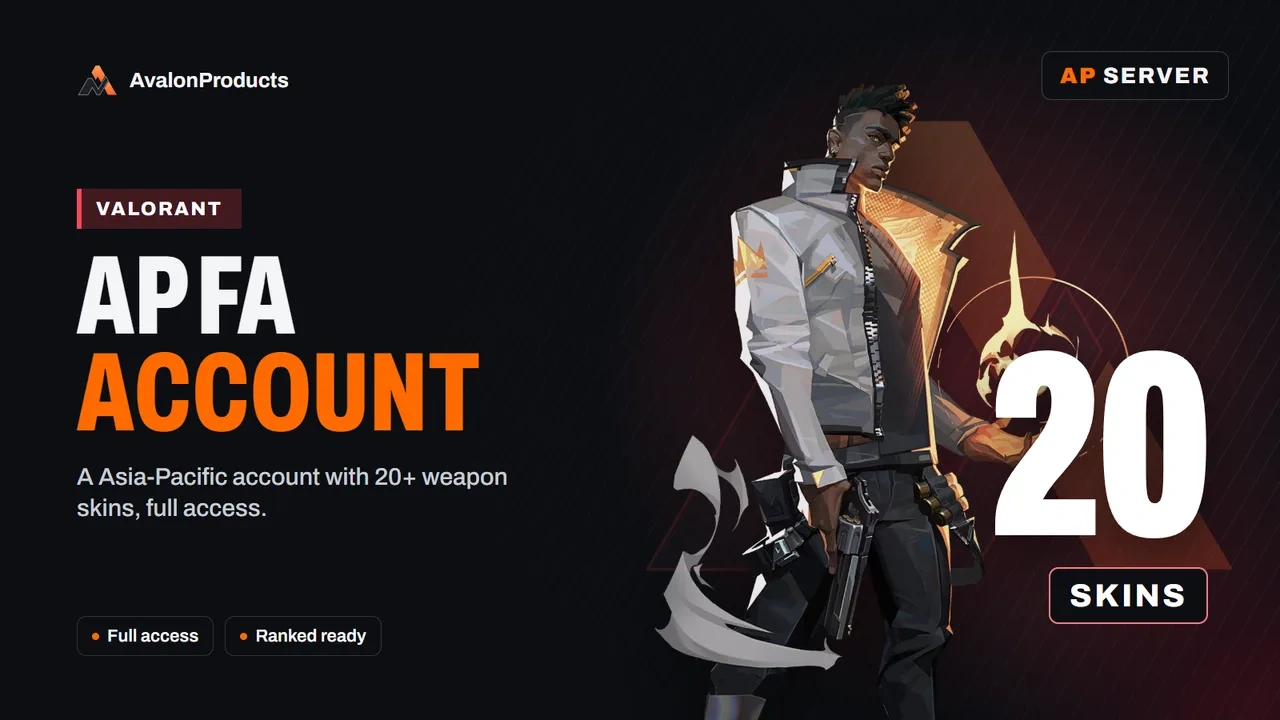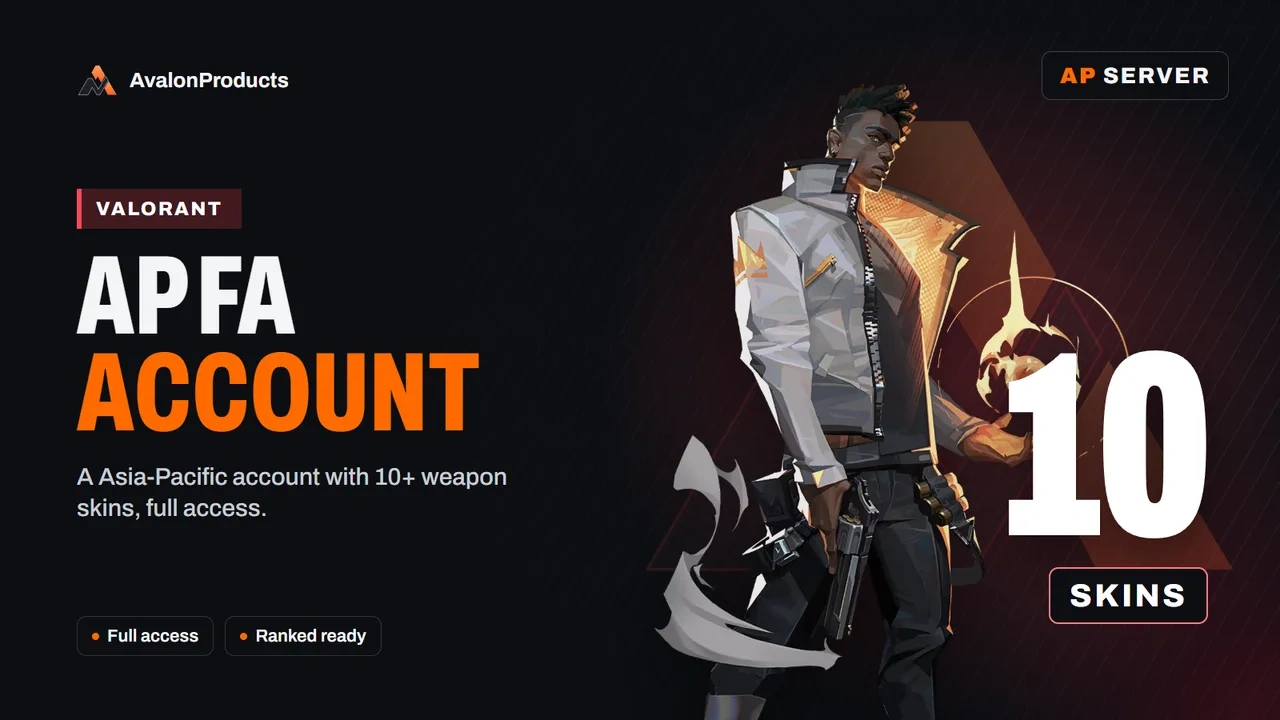
To buy a Valorant account safely: choose full access, pick the region you play in, check the skins and any restrictions, then change the email, password and 2FA the same day. No account is risk-free, because Riot's terms don't allow account trading, but these steps remove most of the practical problems.
1. Full access only
You want the Riot login and the email behind it. Without the email, someone else can reset the account. More in FA vs NFA accounts.
2. Match the region
Valorant accounts are tied to a region. An EU account won't queue on NA servers. See Valorant account regions explained. Our listings show the region in the name, like the 20 Skins EU or 20 Skins NA account.
3. Check skins and restrictions
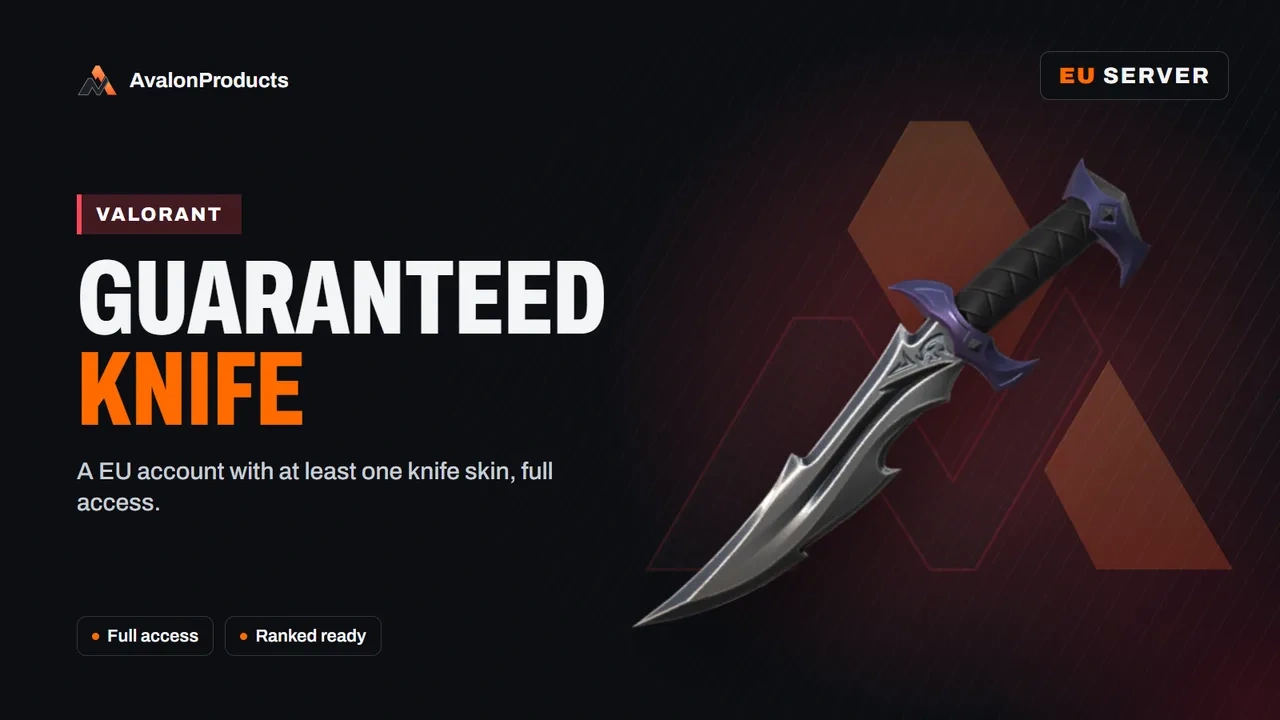
- Look for weapon and knife skins by name. Knife accounts are explained in why knife accounts cost more.
- Ask whether the account has ranked or chat restrictions. Penalties stay with the account.
- Competitive needs account level 20.
4. Secure it on day one
- Log into the email and change its password.
- Change the Riot password at account.riotgames.com.
- Turn on Riot 2FA.
- Sign out of other sessions.
What gets accounts banned
Riot acts on cheating, toxic behaviour and account sharing. Play normally on the account and don't share the login. Accounts that were boosted or used with cheats carry their history, so buy from a seller who answers questions about the account.
FAQ
How fast is delivery?
At AvalonProducts the details arrive by email within minutes of payment.
Can I change the region later?
Only in limited cases through Riot support. Buy the right region up front.
Need help after buying?
Open a ticket on our Discord.