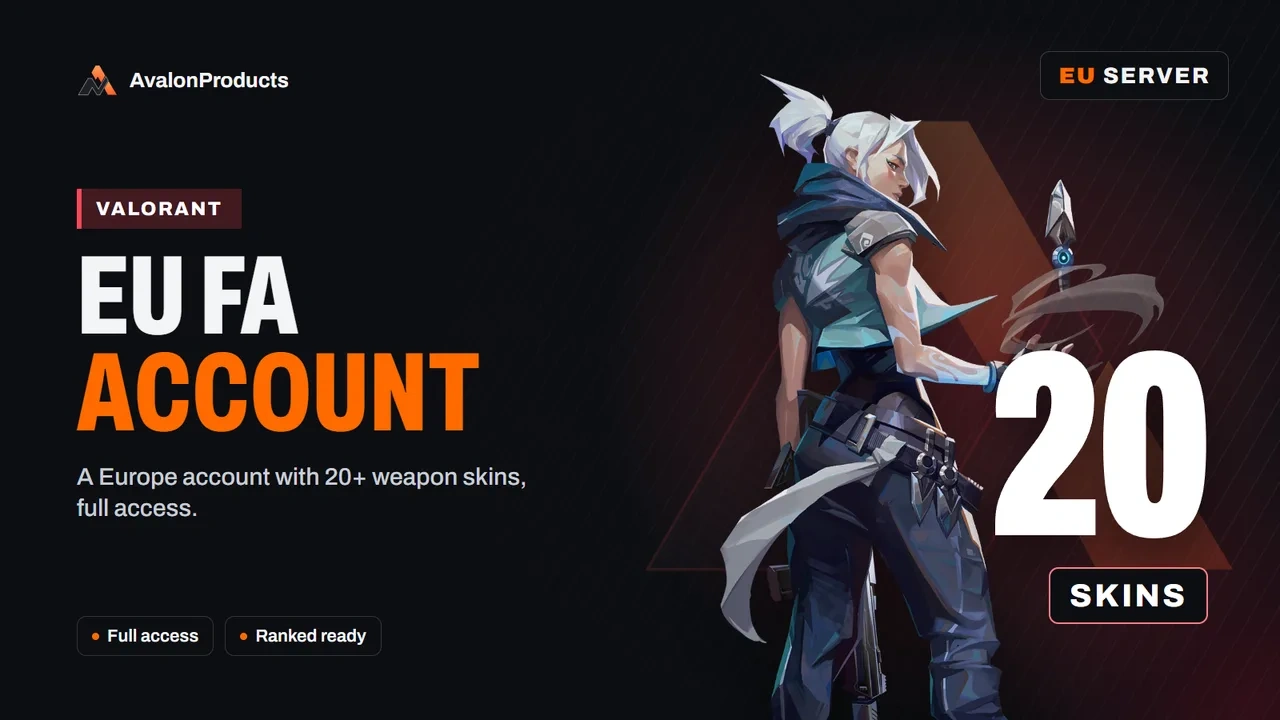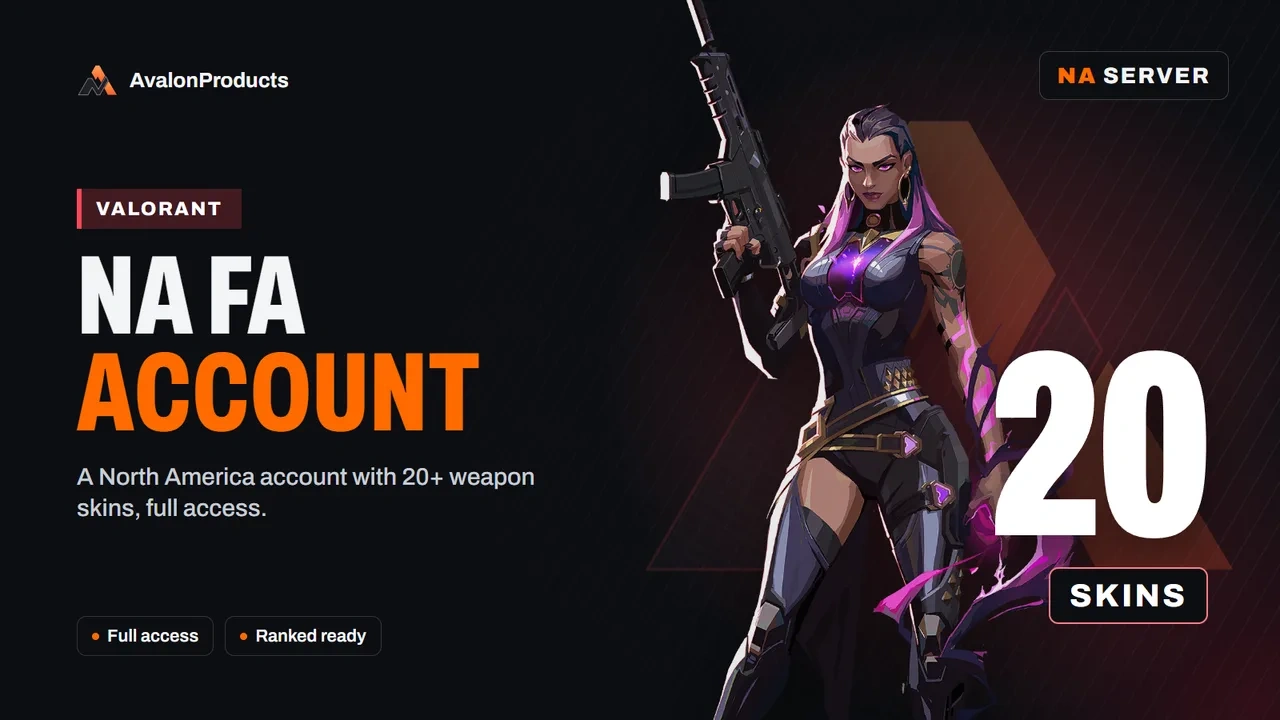
Buy a Valorant account in the region you actually play in. Valorant accounts are tied to a region (EU, NA or AP), and an EU account can't queue on NA servers. Riot only allows region moves in limited cases, so picking the right one up front saves you a dead account.
What each region covers
- EU: Europe, Turkey, CIS and the Middle East.
- NA: North America (US and Canada). Latin America and Brazil have their own regions.
- AP: Asia-Pacific, including Southeast Asia, Oceania and parts of East Asia.
Korea has its own region too. If you're unsure, check which servers you get the best ping on today.
Why region matters so much
Your skins, rank and friends list sit on the account's region. Play on the wrong region and you'll get high ping, or you won't be able to queue there at all. Ranked progress doesn't carry across regions either.
Can you change a Valorant account's region?
Riot sets the region when the account is created and only moves it in limited situations, through Riot support. Don't buy an account in the wrong region hoping to switch it later.
How to choose
- Pick the region where you live and play.
- Decide what matters more: skins or a ranked-ready level (level 20+ for competitive).
- Pick a skin count that fits your budget.
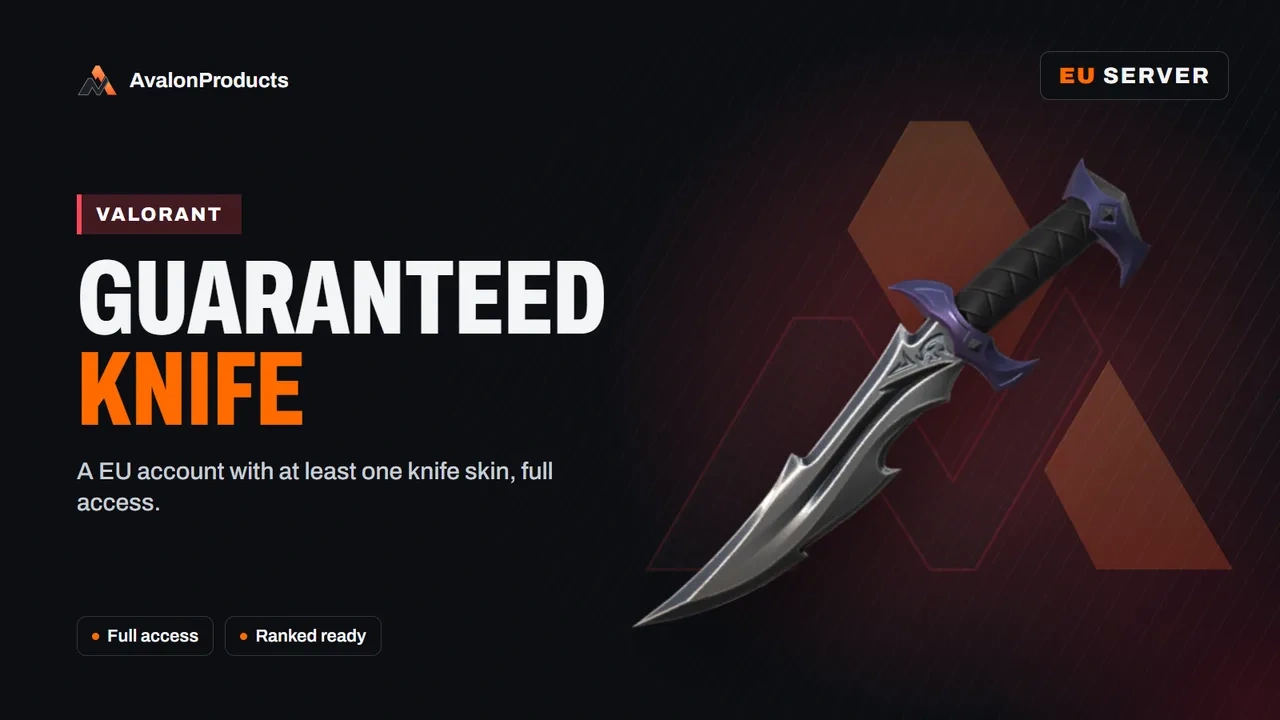
We list each Valorant account with its region in the name: 20 Skins EU, 20 Skins NA and 20 Skins AP, plus 10, 50 and 100 skin versions.
Check this after buying
- Log in and confirm the region shown in the client.
- Change the email and password and turn on 2FA. All our accounts are full access, see what FA means.
- Run one unrated game to check ping.
Riot's terms don't allow account trading, so go in knowing that.
FAQ
I live in Turkey. Which region?
EU. Turkish servers are part of the EU region.
Can I play on an AP account from Europe?
Not properly. You'd have very high ping or no access to queue.
More help choosing?
Read our Valorant buying guide or ask us on Discord.